
7 Mistakes You're Making with Mobile Notary Appointments (and How to Fix Them)
Let's be real, scheduling a mobile notary is supposed to make your life easier, not harder. But too often, a simple notary appointment turns into a headache because of totally avoidable mistakes. Whether you're in Fairbanks, Delta Junction, or anywhere in Interior Alaska, understanding what can go wrong (and how to fix it) will save you time, money, and frustration.
I've seen it all as a mobile notary, and trust me, these slip-ups happen more often than you'd think. The good news? They're super easy to prevent once you know what to watch out for. Let's dive into the seven most common mistakes people make with mobile notary appointments, and exactly how to avoid them.
Mistake #1: Signing Documents Before the Notary Shows Up
This is probably the biggest no-no in the notary world, and it happens all the time. You're excited, you've got your paperwork ready, so you think, "Why not get a head start and sign everything now?"
Here's the problem: if you sign before the notary arrives, the notarization is invalid. Period. The entire point of notarization is that a commissioned notary public must witness you signing the document. It's a legal safeguard to prevent fraud and verify that you're really you.
The Fix: Keep that pen in your pocket until your notary arrives. I know waiting can feel tedious, but those few extra minutes make all the difference between a valid notarization and a do-over.
Mistake #2: Forgetting Your ID (or Bringing an Expired One)
You'd be surprised how often this happens. People schedule the appointment, gather their documents, and then… completely forget to grab their ID. Or worse, they bring an ID that expired three years ago.
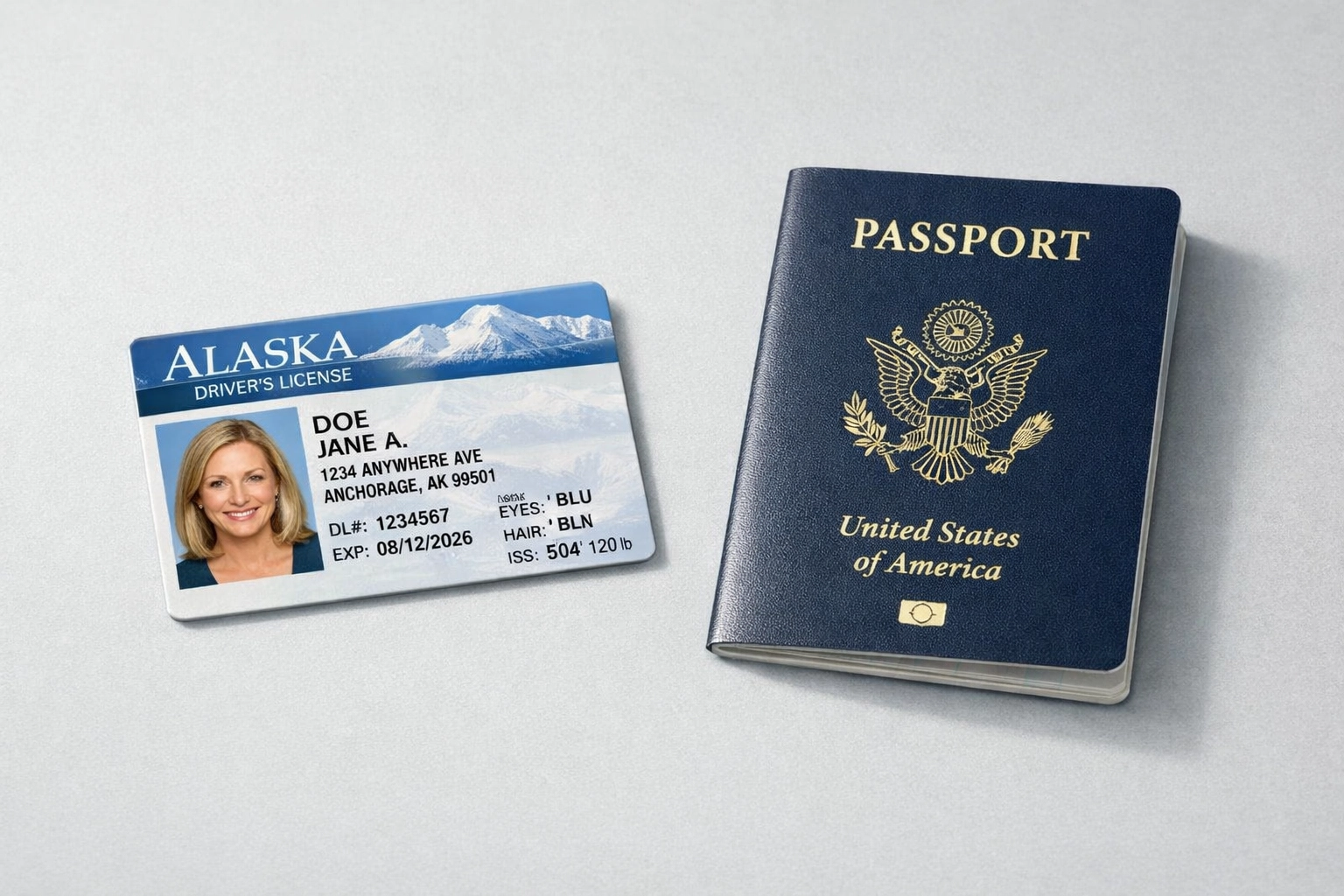
Here's the deal: notaries are legally required to verify your identity using a current, government-issued photo ID. No valid ID? No notarization. It's not personal, it's the law.
The Fix: Before your mobile notary appointment, double-check that you have a valid driver's license, passport, or state-issued ID card. Make sure it's not expired and that the name on your ID matches the name on the documents you're signing.
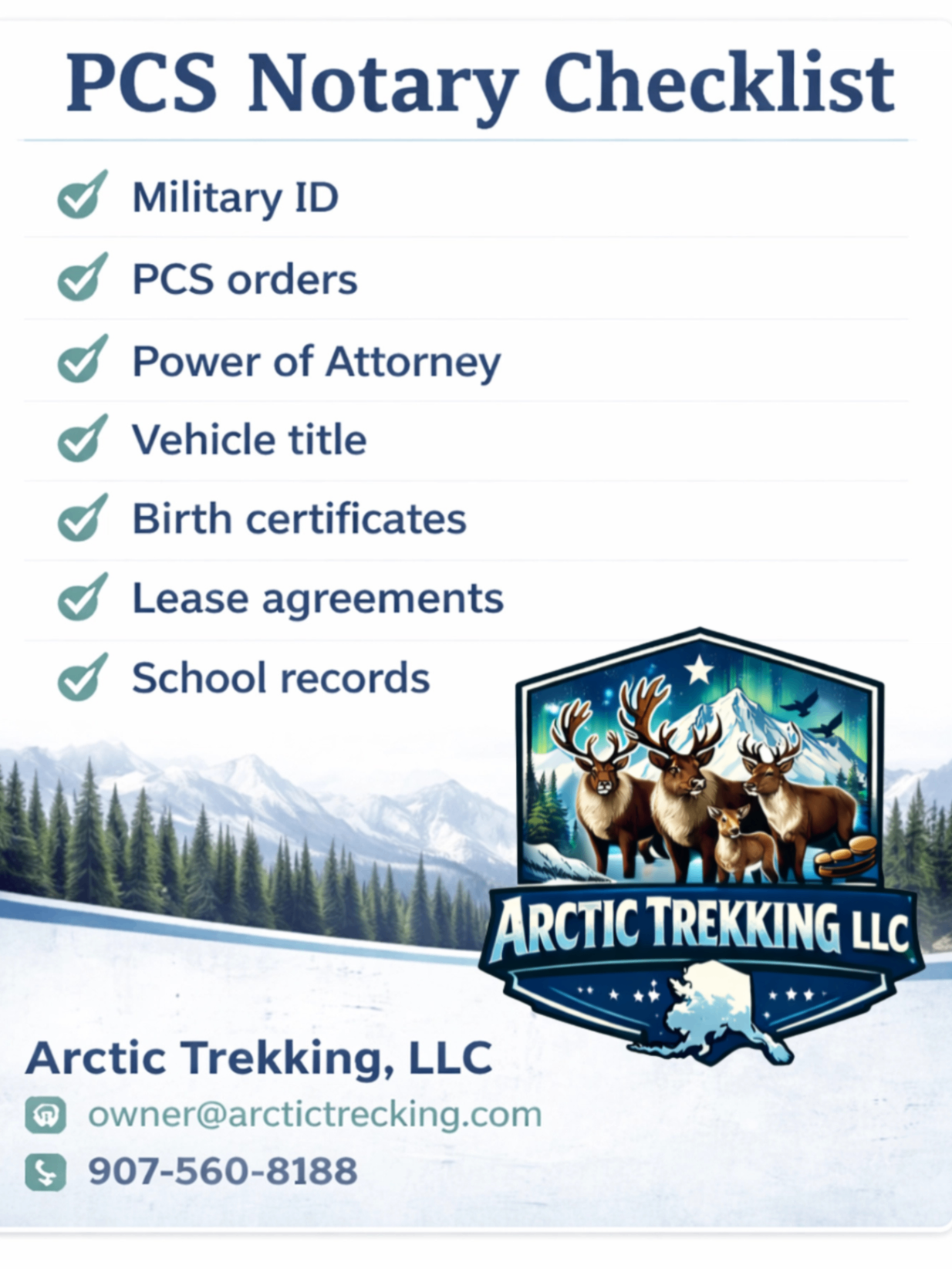
Important Note for Military Members: If you're using a Military ID, that's perfectly acceptable! However, please be aware that military IDs cannot be copied for any reason, by federal law. Your notary will examine it for identification purposes but will not make a photocopy for their records.
Mistake #3: Showing Up with Incomplete or Blank Documents
Imagine this: the notary arrives at your home, you hand over the paperwork, and there are blank lines everywhere. Missing dates, incomplete addresses, undefined parties: it's a mess.
Incomplete documents create confusion and can actually invalidate your notarization. Most notaries won't (and shouldn't) notarize a document with significant blank spaces because it opens the door to someone filling in information after the fact.
The Fix: Fill out every required field on your documents before your appointment. Review everything twice. If you're unsure whether a section needs to be completed, ask the person or organization that gave you the documents: or reach out to your notary beforehand with questions.
Mistake #4: Not Having All Required Signers Present
This one's a classic headache. Let's say you and your spouse need to sign a power of attorney together. You schedule the appointment, the notary shows up, and… your spouse is stuck at work on Fort Greely and can't make it.
Guess what? The notary cannot notarize the document if all required signers aren't physically present. You'll end up paying a rescheduling fee and wasting everyone's time.
The Fix: Before booking your appointment, confirm who needs to sign and make absolutely sure everyone can be there at the same time. If schedules are tight, communicate with your mobile notary: we're flexible and can often work around your needs, especially with same-day or after-hours appointments.
Mistake #5: Not Verifying Your Notary's Credentials
Look, I get it: you're busy, and you just want to find someone who can get the job done quickly. But hiring a mobile notary without checking their credentials is risky business.
If your notary isn't properly commissioned or their commission has lapsed, your notarization won't hold up legally. That could mean major problems down the line, especially for important documents like real estate transactions, powers of attorney, or court filings.
The Fix: Always verify that your mobile notary is licensed and has an active commission. In Alaska, you can check notary public credentials through the state's Lieutenant Governor's office. A reputable notary will also carry errors and omissions insurance for your protection. Don't be shy about asking!
Mistake #6: Not Reading Your Documents Ahead of Time
Here's a scenario I see way too often: someone hands me a stack of documents to notarize, and when I ask, "Have you read through these?" they sheepishly admit they haven't even glanced at them.
Notarizing a document doesn't mean the notary is vouching for its contents: it just means they're verifying your identity and witnessing your signature. You're still responsible for understanding what you're signing.
The Fix: Read everything thoroughly before your appointment. If something doesn't make sense or you spot an error, deal with it before the notary arrives. If you have questions during the appointment, ask! A good mobile notary wants you to feel confident about what you're signing (though remember, we can't give legal advice: more on that in a sec).
Mistake #7: Not Clarifying Payment and Fees Upfront
Nobody likes surprise charges. Mobile notaries typically charge a base notarization fee, plus additional fees for travel, especially in a place like Interior Alaska where distances can be significant.
If you don't ask about costs ahead of time, you might be caught off guard when it's time to pay.
The Fix: Before scheduling, ask about the complete fee structure. How much is the notary fee per signature? Is there a travel charge? Are same-day or after-hours appointments more expensive? What payment methods are accepted? Getting this info upfront prevents awkward conversations and ensures you're prepared.
Bonus Tip: Communicate Early and Often
Most mobile notary appointment issues boil down to one thing: lack of communication. If something changes: like you realize you're missing a document, or one of your signers can't make it: let your notary know ASAP. We're human, and we appreciate the heads-up. Plus, the earlier you communicate, the easier it is to adjust plans without incurring extra fees.
Ready for a Smooth Mobile Notary Experience?
Now that you know the seven biggest mistakes (and how to dodge them), you're already ahead of the game. A little preparation goes a long way, and when everything's in order, mobile notary appointments are quick, painless, and super convenient.
If you're in Interior Alaska and need reliable, friendly mobile notary services, Arctic Trekking, LLC is here to help. Whether it's a real estate closing, military PCS paperwork, or any other notarization need, I've got you covered: with flexible scheduling and a commitment to making your life easier.
Disclaimer: I am not an attorney licensed to practice law and may not give legal advice or accept fees for legal advice. The information provided in this blog post is for general informational purposes only and should not be construed as legal counsel.
Powered by Marblism
Comments