
Tax Season Checklist: Don't Let a Missing Signature Delay Your Refund
Welcome to Part 3 of our Tax Season Survival series! We've covered which documents need notarization and how to handle Power of Attorney situations. Now it's time to talk about the thing that can derail your entire tax appointment: showing up unprepared.
I've seen it happen more times than I can count. Someone schedules a mobile notary appointment, I drive out to their home or base, and then we discover they're missing a critical piece of ID, forgot to bring the unsigned documents, or didn't realize their spouse needed to be present. The result? A rescheduled appointment, a delayed tax filing, and a refund that takes weeks longer to arrive.
Let's make sure that doesn't happen to you.
The Pre-Notary Appointment Checklist
Here's exactly what you need to have ready before the notary arrives at your door:
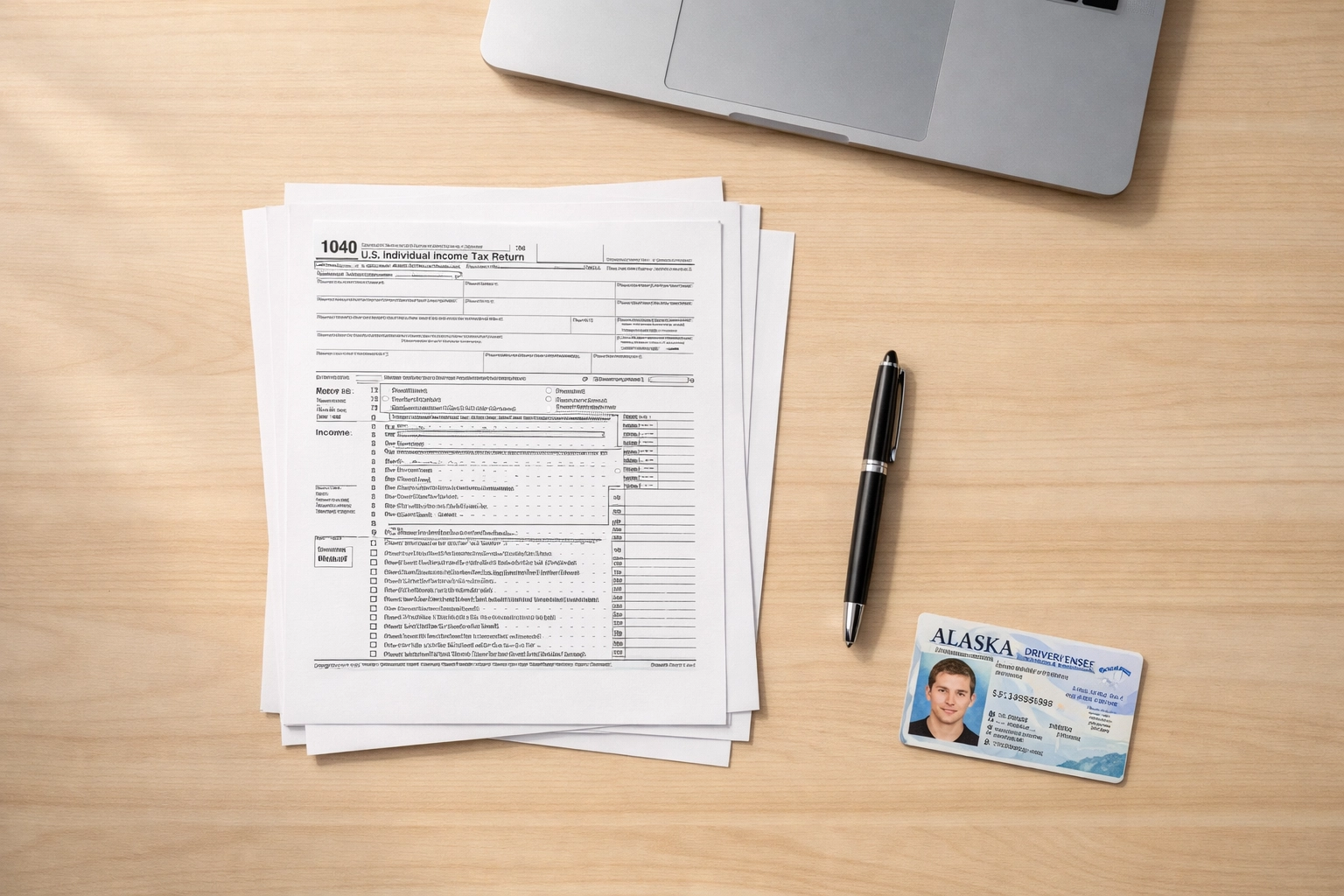
1. Valid, Government-Issued Photo ID
This is non-negotiable. In Alaska, I need to verify your identity before notarizing any document. Acceptable forms of ID include:
Alaska driver's license or state ID
U.S. passport or passport card
Military ID (active duty, retiree, or dependent)
Tribal ID with photo
Important note for military families: While I can verify your identity using a Military ID, by federal law, I cannot make copies of military IDs. I'll examine it to confirm your identity, but no photocopies or scans will be made.
Your ID must be current and not expired. If your driver's license expired last month, that's a problem. Plan ahead and renew it before tax season hits.
2. All Documents That Need Notarization: Unsigned
This is crucial: Do not sign your documents before I arrive.
I know it's tempting. You want to get ahead of things. But here's the deal: as a notary, I have to witness you signing the document. If you've already signed it, I can't notarize it. We'll have to start over with a fresh copy, which wastes everyone's time.
Common tax-related documents that might need notarization include:
IRS Form 2848 (Power of Attorney and Declaration of Representative) when filing on paper
IRS Form 8821 (Tax Information Authorization)
State-specific tax forms requiring notarization
Affidavits supporting tax claims
Documents for audit responses
If you're not sure whether a document needs to be notarized, check with your tax preparer or the IRS directly. You can also reach out to me before the appointment: I'm happy to look at a document list and let you know what will need my seal.
3. Know Who Needs to Be Present
If a document requires signatures from multiple people (like a joint tax return with a notarized POA), everyone who needs to sign must be present at the appointment. I can't notarize a signature that happened yesterday or accept "my spouse will sign it later."
For military families, this is especially important. If your spouse is deployed and you need to file on their behalf, you'll need a properly executed Power of Attorney (see Part 2 of this series for details). Don't assume you can just sign for them without the right legal authorization.
4. Additional Identification for Signing Agents
If you're working with a loan signing agent or doing a more complex notarization (like a real estate transaction bundled with tax documents), you may be asked to provide a second form of ID or additional verification. This isn't me being difficult: it's part of the compliance requirements for certain transactions.
Have a backup ID ready, like a credit card with your signature, a utility bill with your current address, or your Social Security card.
5. Payment Method
Most mobile notaries, including Arctic Trekking, LLC, charge a travel fee in addition to the per-signature notary fee. Know what the cost will be ahead of time and have your payment method ready. I accept cash, checks, and digital payments: just ask when you schedule.
Don't let a forgotten wallet derail your appointment.
Electronic vs. Physical Signatures: What You Need to Know
Here's a reality check: most tax returns don't require notarization at all. According to the IRS, more than 93% of individual income tax returns (Form 1040) are filed electronically with electronic signatures[^1]. If you're e-filing through TurboTax, H&R Block, or another tax software platform, you're signing electronically: no notary needed.
Electronic signatures are legally valid for most IRS forms as long as they meet these requirements[^2]:
You intend to sign the document
The signature is clearly attached to the form
You're authorized to sign
The signature is tamper-proof
However, there are situations where a physical, notarized signature is required:
Filing certain forms on paper (like Form 2848 if not submitted digitally through IRS.gov)
Responding to an IRS audit with sworn affidavits
Submitting documents for a deceased taxpayer's estate
Filing amended returns with additional legal declarations
If you're unsure whether you need a notary, ask your tax preparer. Don't assume that just because you're filing on paper, you need notarization. And don't assume that because you're e-filing, you're automatically exempt from needing a notarized document for a specific situation.
Why Missing Signatures Delay Refunds
Let's talk about what happens when things go wrong.
The IRS processes returns in the order they're received. If your return is missing a signature: or if a notarized document is rejected because it wasn't properly executed: your return gets kicked out of the processing queue. You'll receive a notice in the mail asking you to correct the issue and resubmit. By the time that notice arrives, you're already 2-3 weeks behind.
Then you have to fix the problem, resubmit, and start the waiting process all over again. What should have been a 2-3 week refund timeline turns into 6-8 weeks: or longer during peak tax season.
The fix? Preparation. Have everything ready before your notary appointment, double-check that all signatures are witnessed properly, and submit your documents correctly the first time.

Special Considerations for Alaska and Military Families
Living in Interior Alaska comes with unique challenges, especially during tax season.
Weather and travel delays. If a snowstorm hits and I can't make it to Fort Greely or Delta Junction on the scheduled day, we'll need to reschedule. Build in extra time before the April 15 deadline so a weather delay doesn't derail your entire tax filing.
Deployment and remote work. If your spouse is deployed or working remotely in another state, you'll need to plan ahead for Power of Attorney documents. These take time to execute properly, so don't wait until the week before taxes are due. (Again, see Part 2 of this series for a full breakdown.)
Base access. If you're scheduling a mobile notary appointment on Fort Greely, make sure I'm on the access list ahead of time. Base security requires advance notice, and if I show up without clearance, we're both stuck.
Time zones. If you're coordinating with a tax preparer or family member in another time zone, factor that into your scheduling. A 10 a.m. appointment in Alaska might conflict with a 2 p.m. meeting your accountant has on the East Coast.
The Bottom Line
Tax season doesn't have to be chaotic. With a little preparation, you can knock out your notarized documents in one clean appointment and get your refund processed without unnecessary delays.
Here's your quick checklist:
✅ Valid, government-issued photo ID ✅ All unsigned documents that need notarization ✅ All signers present at the appointment ✅ Backup identification if needed ✅ Payment method ready ✅ Confirmation of who needs to be there and when
If you're in the Delta Junction or Fort Greely area and need a mobile notary for tax-related documents, I'm here to help. You can learn more about my services at Arctic Trekking, LLC or check out this post on whether you really need a mobile notary.
Next up in this series: Bonus Post: Tax Resources for Military and Civilian Families. I'll be rounding up the best online tools, IRS resources, and military-specific tax help so you have everything in one place.
Disclaimer: I am not an attorney licensed to practice law and may not give legal advice or accept fees for legal advice. The information in this post is for general informational purposes only and should not be construed as legal or tax advice. Consult a qualified tax professional or attorney for advice specific to your situation.
Powered by Marblism
[^1]: IRS, Electronic Filing and Signature Statistics, 2024 [^2]: IRS Publication 1345, Handbook for Authorized IRS e-file Providers
Comments